

Playing with aityx

Rules in application code are hard to read and hard to change. These open-source games keep every rule in a decision model you can edit, and show every aityx call on screen. Here is what each one does and how to run them in a few minutes.
Key takeaways
- Why aityx? AI Decision APIs answer classification questions, such as whether a customer should get a refund. The real decision also needs numbers and dates: how much, and by when. aityx (say EYE-tyx) answers all of it in one response your application can act on.
- Open-source games in aityx-labs/aityx-demos show the pattern end to end, from the Game of Life to a poker table.
- None of them hardcodes its rules. The app collects the inputs and renders the answers. Every rule lives in a JSON decision model that is sent to aityx on each call. Edit the model and the behavior changes without touching the code.
- Every call is on screen. Each demo shows the request and the response of every aityx call inside the app, so you can read the model next to what it returned.
- Play them on the aityx website. The games and apps are playable at aityx.ai/demos, nothing to install.
- Running them takes one key. Sign up with your email in the console, no approval needed. Then play them on the website, start them all on your machine with one script, or run them in GitHub Codespaces. Check pricing and limits for current credit and capacity information.
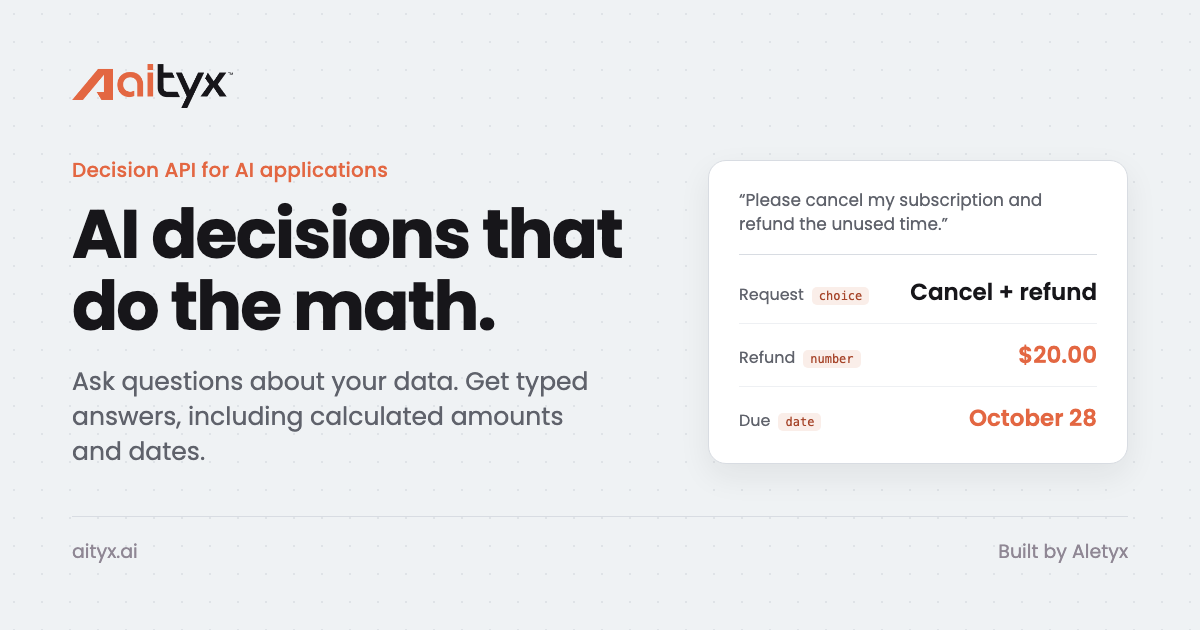
AI Decision APIs changed how applications handle messy input: ask a named question about a customer message and get a graded answer back. For a cancellation request, that answer is a yes or a no. The real decision continues from there. How much do we refund, and by when? Without a decision model, that logic lands back in application code, and a chatbot alone reinterprets the rule every time it runs.
aityx (say EYE-tyx) is a decision API for AI apps and agents that does the math. Your team defines the decision model as readable JSON. Your app sends the model and the facts of each case to one endpoint and gets back typed answers: the choice, the calculated amount and the date, with a receipt that shows how each one was reached. When a fact lives only inside a message, Jev grades it and your decision model calculates from its answer, in the same call.
How the demos work
The aityx-labs/aityx-demos repository has working applications built on aityx, each with its decision models in plain JSON files you can read and edit. None of them hardcodes its rules. The application code collects the inputs and renders the answers, and every rule, from a cell’s fate in the Game of Life to a poker player’s next move, is sent to aityx and evaluated there on each call. Edit the model file, run the app again, and the behavior changes without touching the code. Every demo shows each aityx call, request and response, inside the app, so you can watch the API in action.
Each call is a POST /v1/systemone with the decision model and the facts of the moment as state. The games send only structured facts, so they run without an AI provider call.
Run the demos
The quickest way to play is on the aityx website: aityx.ai/demos has every demo ready in the browser, nothing to install. Set your aityx key once on that page and it is kept in your browser for all of them. To read and edit the models, run the demos from the repository, on your own machine or in GitHub Codespaces. Get your aityx key in the console, then set it as the AITYX_API_KEY environment variable on your machine, or as a Codespaces secret with the same name. On your machine, ./start-aityx.sh from the repository root starts all the demos with Devbox. In the cloud, the Open in GitHub Codespaces link starts them in a codespace of their own, with an index page that links each app. Then play.
No key ships with the repository, and the apps still open without one; only the aityx-backed features wait for it. The repository’s README has the details for each app.
Cellfie
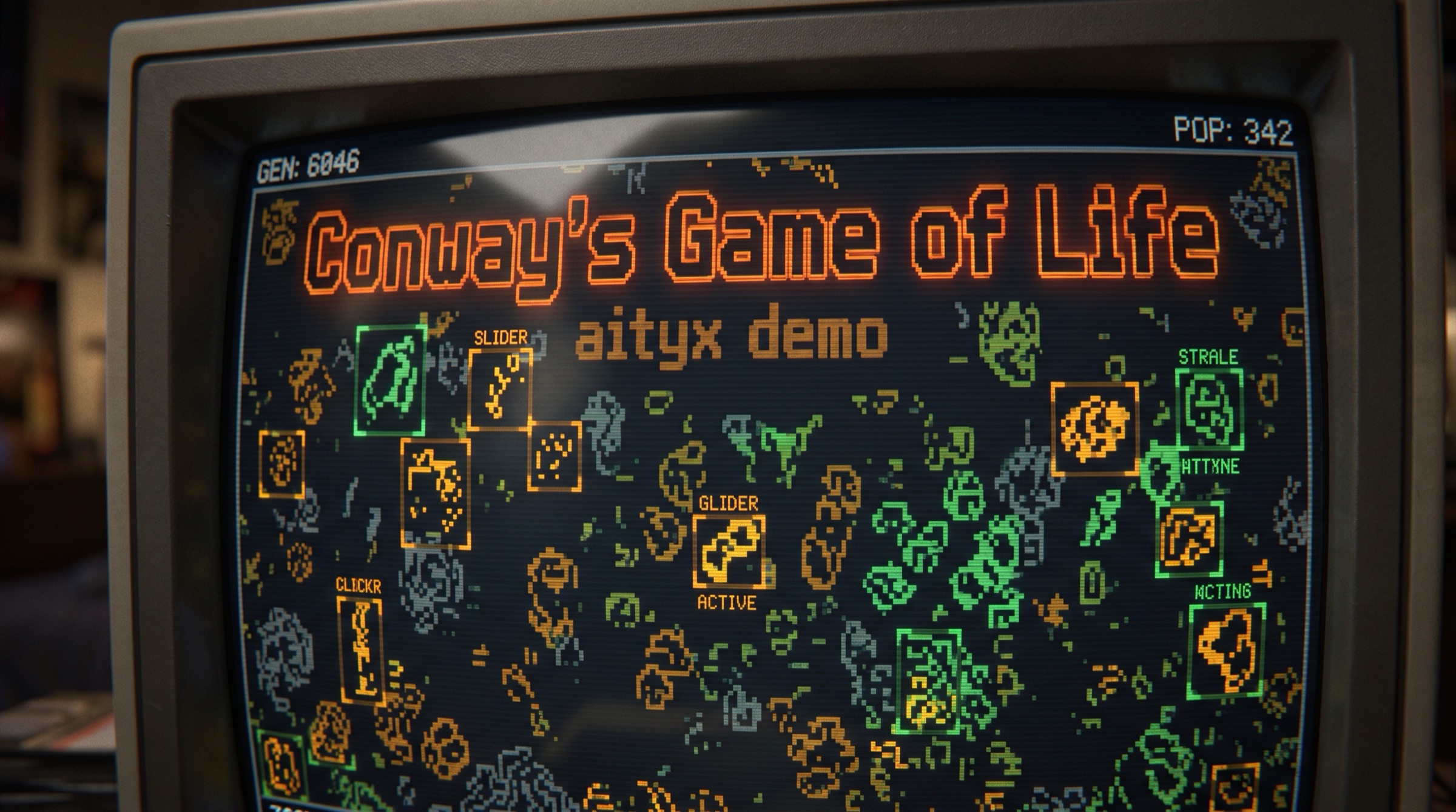
Conway’s Game of Life with the rules and the pattern catalogue as a decision model: one aityx call per generation decides what lives, dies and is born, and names the patterns on the board.
What aityx computes: the app does not know the rules of Life. Each generation it counts the board into situations (alive or dead, how many live neighbours, how many cells share that situation), groups the live cells into clusters with a normalised shape, and sends both as state. In the model, the fate function is a table with one rule per row: underpopulation, survival, overpopulation, reproduction, plus HighLife’s extra birth and Life without death, each switched by a flag from the app’s Rules toggles. A list expression applies it to every situation and returns a fate for each, and sums over the result give births, deaths, survivors and the next population. A second table, the pattern catalogue, matches each cluster’s cell count, size and shape to a named pattern and its kind. The app only paints the answer. Flip a switch and the same board evolves under different rules, because the rules were never in the app.
RoboRules
A web take on Robocode. Each robot’s behavior is a decision table you can edit, and the whole battle, sensing, movement, firing and scoring, is played turn by turn by aityx.
What aityx computes: the whole battle. Each robot is a small aityx model of its own, with its sensors as inputs (enemy distance and bearing, gun bearing, energy, distance to the walls) and one first-match table whose outputs are the four commands: drive, turn, gun and fire. The demo adds those tables to the world model as functions and sends the arena, the robots and the number of turns to play. Functions in the model do the rest: sensing the nearest enemy, turning and acceleration limits, gun rotation, bullet flight, hits and damage, wall collisions, and the scoring at the end of the round. One call returns the frames for all those turns, and each robot in each frame carries the number of the rule that fired, which is what the event log prints. Edit a robot’s table in the app and the next battle plays by it.
PokerFace
A hold’em table where every player is a set of rules. Each turn, one call returns the action, the amount, and the rule that decided it, with its reason. Read a strategy, edit it, or write your own and seat it.
What aityx computes: the app deals the cards and works out each player’s situation: the street, position, hole card class, made hand, draws, equity, pot odds, stack and which actions are legal. That situation is the state. The strategy is the decision: a few named conditions such as a steal spot, a continuation-bet spot, a semi-bluff, a value hand and a profitable call; an action table whose rows read like a player’s reasoning, with a why on each; and an expression for the raise size. aityx returns the action, the amount and the row that decided it, and the sidebar shows all three. Every seat can run a different strategy, and one you write in the editor is sent with the call the same way the presets are.
RiverRace
The 1982 Atari river shooter, remade with three planes up the same river at once: two flown by aityx, each by its own strategy, and one by you. Watch the careful pilot race the daredevil, edit their rules while they fly, or try to outscore them.
What aityx computes: every tenth of a second of game time, one call decides what both aityx pilots do. The app sends what each plane senses as an input: fuel left, how far the land is straight ahead and where the open water is, an enemy in the line of fire or about to collide and on which side, the nearest fuel depot, whether the next bridge still stands, and whether it leads the race. Each pilot’s strategy is a function in the model, a first-match table with a column per sensor its rules test, three outputs (steer, throttle and fire), and a why on every row. aityx returns each pilot’s command and the rule that fired, the pilot’s card outlines that rule, and the plane flies by it until the next answer, typically 150 to 300 ms later. Fair race holds the game until each answer arrives. Edit a rule, move it up, or swap Careful for Sharpshooter mid-race, and the next call flies by it.
Things to try
Each demo is built to be changed while it runs. A few places to start:
- Cellfie: flip the Rules toggles to HighLife or Life without death and watch the same board evolve differently.
- RoboRules: edit a robot’s table, move a row up, and play the next battle by it.
- PokerFace: read a preset strategy, then write your own in the editor and seat it at the table.
- RiverRace: swap Careful for Sharpshooter mid-race, or edit a rule while the planes fly.
In each case the application code stays the same. Only the model you send changes.
Get started
- Sign up in the console with your email. No approval needed. Check pricing and limits for current credit and capacity information.
- Create an API key and set it as
AITYX_API_KEY, on your machine or as a Codespaces secret. - Play the demos at aityx.ai/demos, or start them from aityx-labs/aityx-demos:
./start-aityx.shlocally, or the Open in GitHub Codespaces link. - Read a model next to its calls. Open a demo’s JSON model files and compare them with the requests and responses the app shows.
- Build your own. Building with aityx walks through the contract, the model format, receipts and errors.
Frequently asked questions
Do I need to install anything to run the demos?
No. The demos are playable on the aityx website at aityx.ai/demos. The Open in GitHub Codespaces link runs them from the repository in the cloud, with an index page that links each app. To run them on your machine, ./start-aityx.sh uses Devbox to set up what they need.
Do the demos need an API key?
Yes, for the aityx-backed features. No key ships with the repository. Create one in the console and set it as AITYX_API_KEY. Without it the apps still open, but nothing is sent to aityx.
Where are the rules?
In each demo’s JSON model files, not in the application code. The app sends the model with every call, so editing the file changes the behavior on the next call.
Do the demos call an AI model?
No. The games send structured facts only, so aityx runs their decision models without an AI provider call. When a fact has to be graded from text, aityx can ask Jev in the same call; the Jev guide shows how.
Why does the same situation always get the same move?
For the same model and the same facts, aityx returns the same result and the same rule trace. A poker player or a pilot facing the same situation makes the same choice until you change its rules.
Who is behind aityx?
aityx is built by Aletyx, a team with a long record of decision technology in production. The tech preview is hosted. Teams that need decisions on their own infrastructure, with governance and workflows, can talk to the Aletyx Platform team.
Ready to write your own decision? Learn more about how to build with aityx in Building with aityx: the request contract, the model format, typed answers and receipts, Jev questions and error handling, with the refund example from the aityx homepage.
Play the demos at aityx.ai/demos or open one from aityx-labs/aityx-demos, try the refund example at aityx.ai, and read Building with aityx to write your own decision. Questions, capacity needs or feedback: [email protected].
Jev and TypeSafe are trademarks of their respective owners. aityx is not affiliated with TypeSafe AI.